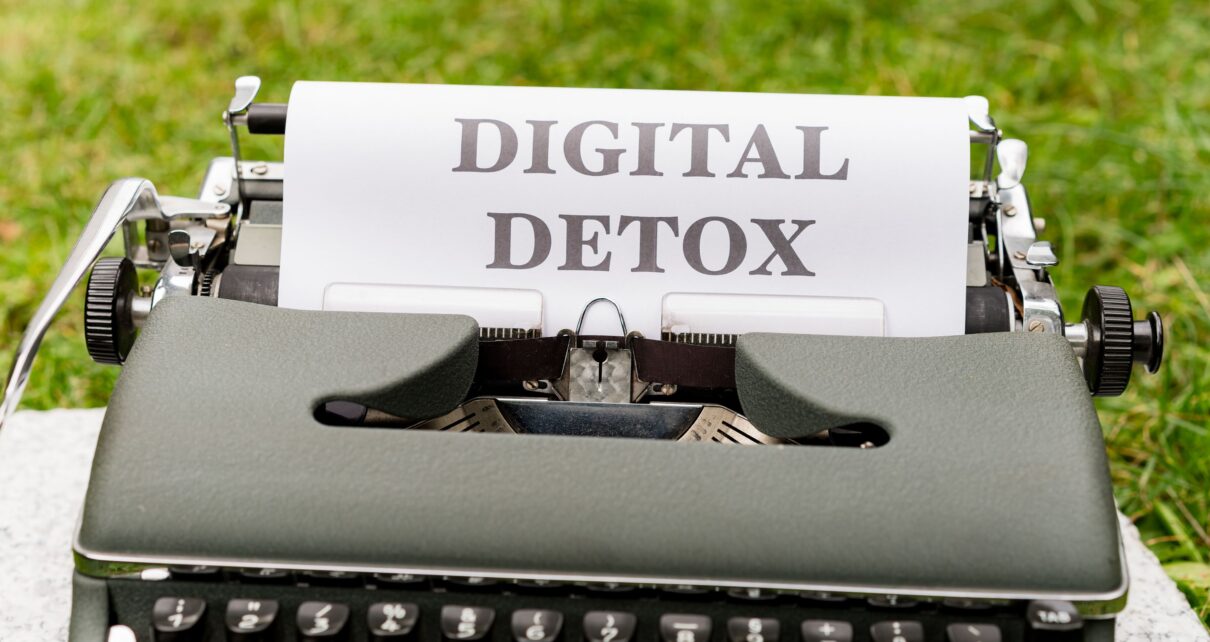
Phones and computers have become a part of everyday life. We use them for work, shopping, entertainment, communication, banking and for keeping memories. Over time digital spaces can become as messy as a room.
Thousands of photos, apps, old emails, duplicate files, random screenshots and forgotten downloads can quietly build up. This digital clutter may not look serious. It can slow down everyday tasks and add stress.
Digital decluttering is the process of cleaning and organizing your digital life. Digital decluttering does not require software or advanced technical knowledge. A few regular habits can make your devices easier to use. Your information is easier to find.
Start With Your Smartphone
I think for a lot of us the smartphone is the cause of digital clutter. Just take a look at the apps, on your phone. You will probably find apps that you have not even opened for months.
These unused apps use up your storage space. They can also send you annoying notifications. Deleting those apps can make your phone feel much cleaner and easier to manage.
You can also try to organize your apps into folders. I like to keep work, finance, travel, shopping and entertainment apps in groups. Making this change can save you a lot of time when you need an app quickly.
Clean Up Your Photos
Photos take up a lot of space on a phone. Screenshots, duplicate pictures, blurry images and temporary photos can stay on a device for years without anyone noticing.
Than trying to sort thousands of photos, in a single day spend a few minutes every week deleting unwanted pictures.
Keep memories and delete pictures that no longer serve a purpose. If you have photos consider keeping a backup on a trusted cloud service or another storage device.
Organize Your Files
I have found that a messy downloads folder can make it surprisingly hard to find a document.
I suggest you create a folder system that fits the way you work. For example you could have folders for work personal documents, projects, bills, travel and important records.
Use file names instead of generic names like “document1” or “finalnewfile.” A useful file name should let you know what the file contains without opening it.
The goal is not to build a system. A simple system that you actually use is far better, than a system that becomes hard to keep up with.
Take Control of Your Email
An overflowing inbox can also cause stress. Promotional emails, old newsletters, notifications and messages that are no longer helpful can quickly become hard to handle.
Begin by getting rid of emails you don’t need. For newsletters that you never open use the unsubscribe option of just deleting each new message.
You can also make folders or labels for categories. This helps you find information easily when you need it in the future.
Reduce Unnecessary Notifications
You do not need to look at every notification that pops up on your phone.
Many alerts from shopping apps, social networks and games can really mess up your work or your free time. I suggest that you go into your notification settings and turn off any alerts that do not actually matter to you.
Only keep notifications, for things that truly need your attention away. Having a phone can help you focus better but you will still stay updated on the important stuff.
Review Your Online Accounts
You do not need to look at every notification that pops up on your phone.
Many alerts from shopping apps, social networks and games can really mess up your work or your free time. I suggest that you go into your notification settings and turn off any alerts that do not actually matter to you.
Only keep notifications, for things that truly need your attention away. Having a phone can help you focus better, but you will still stay updated on the important stuff.
Do Not Try to Clean Everything at Once
A common mistake is trying to organize all of life in one afternoon. That plan can quickly become overwhelming.
Instead choose one area at a time. Focus on one part of life before moving to the next.
You could clean your phone on Monday, organize computer files another day and review email later, in week. Small sessions are easier to manage Ands’re more likely to become a regular habit.
Make Digital Decluttering a Routine
Digital decluttering is most effective when it becomes a part of your daily life.
Every week takes 10 or 15 minutes to look through your downloads, your photos, your apps and your emails. Every month look at bigger areas, like your cloud storage and any old accounts you no longer use. This helps stop clutter from turning into a big problem again.
Final Thoughts
Digital clutter may not take up space but it can still make it harder to work to talk and to find what you need. Getting rid of apps you never use sorting files deleting photos that are not needed handling email and cutting back on notifications can make life online a lot easier.
The best way is not to try for organization. Instead build a system that’s simple to understand and simple to keep up. A few minutes of decluttering today can save a lot of time and frustration later.
Author Bio –
Anushka Karande is an independent content writer and a content professional at KhetiGaadi.com. She specializes in creating SEO-friendly, engaging content across agriculture, tractors, technology, healthcare, business, and digital marketing, helping brands connect with their audience through informative and well-researched articles.